Blog

  • Field trip on Friday? Book the bus before lunch

    Field trip on Friday? Book the bus before lunch

    The permission slips are signed. The museum has your group on the calendar. Thirty-two fourth graders have talked about nothing else all week. Then, on Wednesday afternoon, someone in the staff room asks the question that makes everyone go quiet: “Did anyone actually book the bus?”

    For a lot of schools, booking a charter bus still means a round of phone calls, a quote that turns up by email two days later, and a confirmation that lives in one person’s inbox. If that person is out on Friday, so is the plan.

    Aeon School puts the whole job in your school dashboard. Here’s how it works.

    Start with the trip, not the phone book

    In your dashboard, open Reservations & Subscriptions and choose Bus Charter Reservation. You have two routes from here.

    • Hire a bus. Under Vendor Reservations, browse the bus operators on Aeon School. Each one shows the company name, address, phone and email, so you know exactly who you’re dealing with.
    • Use your own buses. Under School Reservations, book the trip on your school’s own fleet.

    Pick the right bus for the group

    Click Reserve on an operator and their vehicles appear side by side: vans, coach buses, available seats and the fare rate per hour. Want a closer look? Open the vehicle details for photos, make, model, year and condition.

    A van for the chess team. A coach for the whole grade. You choose with the facts in front of you, and the rate is clear before you commit.

    Fill in one short form

    Click Book Now on the vehicle and tell us about the trip:

    • One time or recurring. A single outing, or the same run on a repeat schedule.
    • Outgoing, return or round trip. Round trips ask for return times too, so the ride home is booked with the ride out.
    • Pickup and destination. Search the address or drop a pin.
    • Seats. Reserve the number you need.

    The fare rate fills in from the vehicle you picked. Add a note if it helps (“Please use the Elm Street entrance”), then click Book. That’s it.

    Let the operator handle the driver

    Your new booking appears in your dashboard as Pending. The operator sees it in their own Aeon School dashboard and assigns a driver, and the driver’s name shows up on your reservation. If you booked on your own fleet, you assign the driver yourself in a couple of clicks.

    The driver then sees the charter in the Aeon Driver app, right alongside their regular runs.

    Plans change. That’s fine.

    Rain moved the big game to Saturday? Edit the date, times or seats. Trip called off? Cancel it and add a reason. For recurring bookings, you can cancel just the dates that are affected or the whole series.

    Every booking keeps its full story in one place: who booked it, which operator, which vehicle, which driver and the exact schedule. Filter by Active, Completed, Cancelled or Expired and you have an answer ready the next time the principal asks, “Are we all set for Friday?”

    Made for every trip beyond the daily run

    • Field trips to museums, parks, farms and theaters
    • Away games, tournaments and competitions
    • Graduations, concerts and school events
    • After-school clubs and summer programs that run on a schedule

    Run a bus company? New bookings, delivered

    Charter booking works for bus operators too. When a school books one of your vehicles, the request lands in your Aeon School dashboard with the dates, times, seats, pickup and destination already filled in. Assign a driver and you’re done, without the back and forth. Use Become a Vendor on our homepage to add your company.

    Your next field trip deserves the attention, not the bus

    Log in to your school dashboard and book your next charter today. New to Aeon School? Register your school or request a demo, and we’ll show you how it works from start to finish.
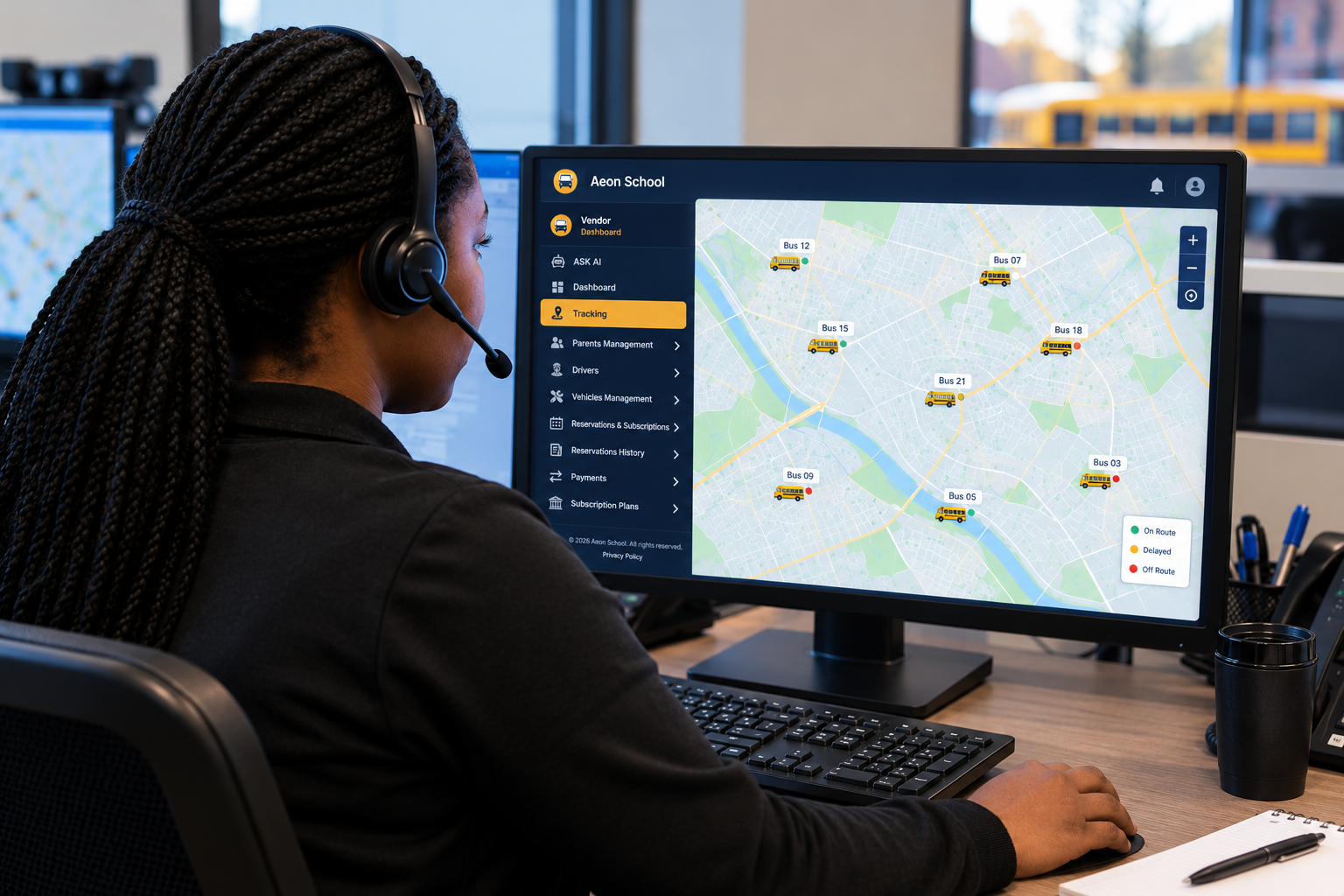
  • The end of the bus-stop guessing game

    The end of the bus-stop guessing game

    It’s 7:38 on a Tuesday. Lunch is packed, one shoe is missing, and the question that hangs over every school morning starts up again: has the bus come yet?

    You could walk your child to the stop early and stand in the cold. You could refresh the group chat and hope another parent has posted something. Or you could call the bus company and join the line of families asking the very same thing.

    Aeon School gives you a better option. Just look.

    Watch the bus come to you

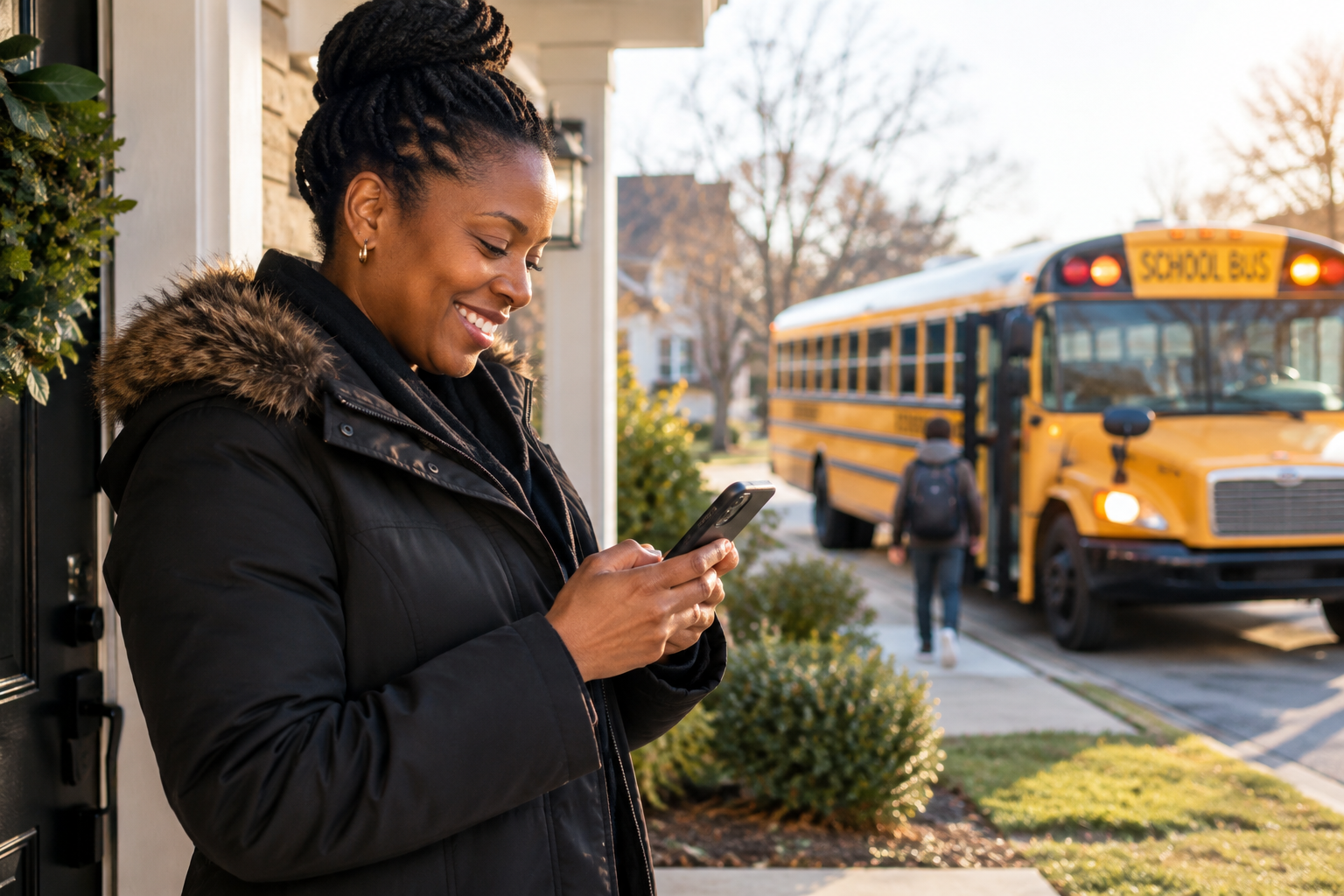
    The moment your child’s trip begins, your phone lets you know. Open the Aeon School app and there it is: the bus, moving on a live map, with your child’s pickup point and school marked along the way. No more leaving the house on a guess. Finish breakfast, find that missing shoe, and head out when the bus is a few streets away.

    The two updates every parent waits for

    Every parent knows the small knot in your stomach that stays there until you know your child is where they should be. Aeon School unties it.

    When the driver picks your child up, they mark it in the Aeon driver app, and your child’s status changes in yours. When the ride is complete, you’re notified. Picked up. Dropped off. Two simple updates that let you stop wondering and get on with your day.

    Your child’s rides, handled from one screen

    Aeon School is more than a map. Your child’s upcoming rides are listed in the app, and you’ll get a reminder the day before. Child home sick? Cancel the ride in a few taps. You can pay transportation fees in the app too, and when you have a question, you can message your school or bus company directly instead of hunting for a phone number.

    And if you ever need to reach the driver during a trip, you can call them straight from the tracking screen.

    Getting started takes minutes

    Aeon School comes to you through your child’s bus company or school, which will email you your login details. Sign in, add your child’s details, and they’ll approve them. Haven’t seen the email? Check your spam folder first, then reach out to your bus company or school.

    Three habits for calmer mornings

    1. Turn on notifications. Updates are only useful if they reach you the moment they happen.
    2. Keep the app updated, so you always have the latest improvements.
    3. Speak up if the bus doesn’t appear. If you can’t see the bus during your child’s trip, let your bus company know. It usually means a setting needs checking on their side.

    Aeon School doesn’t drive the bus. It just makes sure you’re never left guessing about it.

  • Five ways Aeon School gives bus operators their mornings back

    Five ways Aeon School gives bus operators their mornings back

    Between 7:00 and 8:30 every school morning, the phone barely stops ringing. One parent wants to know where the bus is. Another wants to know if it has already gone. A school office wants to know whether a student rode at all.

    Every one of those calls is reasonable. Together, they eat up the hours your team needs to actually run the routes. Aeon School was built to quiet that noise. Here are five ways it gives your team its mornings back.

    1. Let parents answer their own question

    Most calls to dispatch are some version of “where’s the bus?” With Aeon School, parents can watch the bus move on a live map and get notified when their child’s trip starts and ends. The question answers itself, and your phone line stays free for the calls that genuinely need a person.

    2. Retire the paper manifest

    Clipboards get lost, smudged and left behind on the bus. In Aeon School, drivers mark each student as picked up, dropped off or absent in the driver app, and every update is saved with the time and place. When a parent or school asks whether a student rode that morning, you have the answer in seconds, with a record to back it up.

    3. Spot trouble before it becomes a complaint

    Your dashboard shows every bus in real time. A run that’s falling behind is visible while there’s still time to act, so you can call the driver, adjust the plan, and let schools and families know before the complaints start.

    4. Make driver changes painless

    Sick days, new hires and replacements are part of the job, and they’re exactly when things tend to slip. If a new driver’s account isn’t ready on day one, families lose tracking. If nobody announces the change, they lose trust. Three simple habits protect both:

    • Set up early. Create the driver’s account as soon as they’re hired, not on the morning of their first route.
    • Do a test run. Have them log in and try a check-in before their first trip, with location access set to “always”.
    • Tell families first. Update the trip assignment in Aeon School, and let families know about the change ahead of time.
    Front of a yellow school bus

    5. Put reservations, fees and messages under one roof

    Families reserve and cancel rides, pay transportation fees and message your team in the same app, and it all appears on your dashboard. That means fewer spreadsheets to reconcile, fewer payment reminders to chase, and fewer calls to return.

    See it with your own routes

    The best way to judge Aeon School is to see it working. Request a demo, and we’ll send you a short video showing the platform from the operator’s side.

  • Who can see your child’s bus? A plain answer

    Who can see your child’s bus? A plain answer

    You’d never hand your child’s details to a stranger. So before you trust an app with them, you deserve straight answers to a few simple questions. Here they are, without the legal language. Our full Privacy Policy has every detail.

    What does Aeon School know about my child?

    Only what it needs to get them to school and back: your child’s name, school, pickup address and route, and when they’re picked up and dropped off. We hold your contact details so we can send you notifications. If you add medical or accessibility details, they’re shared only with the people responsible for your child’s ride, so they can keep your child safe.

    That’s the whole list, and we use it to run the service. Nothing else.

    Who can see the bus?

    You see your own child’s information and the bus on your child’s trip, along with the driver’s name, phone number and vehicle details, so you always know who’s behind the wheel. You can’t see other children’s details, and other parents can’t see yours.

    Your bus company sees its own buses and students. Drivers see only the students and stops on their own trips.

    Is the app tracking me?

    No. The bus’s location comes from the driver’s device, and only while a trip is in progress. Tracking starts when the driver begins the trip and stops when it ends. Aeon School doesn’t track your phone or your child’s phone.

    School buses parked along a quiet street

    Three things we will never do

    • Sell personal information.
    • Use children’s information for advertising.
    • Build marketing profiles of children.

    How is it kept safe?

    Information is encrypted when it’s sent and when it’s stored, and access is limited to the people who need it to run the service. Trip records are kept only as long as they’re needed, as set out in our Privacy Policy.

    What if I want my child’s information changed or removed?

    Just ask. You can request to see the information we hold about your child, correct it, or have it deleted. Contact your bus company or school, or email us at sayhello@aeon-app.com, and we’ll help.

    Knowing where the bus is should give you peace of mind, not a new worry. That’s why privacy is built into the way Aeon School works, not added on afterwards.